

Add or Remove Reactions
Add or remove a reaction to an SMS/MMS message
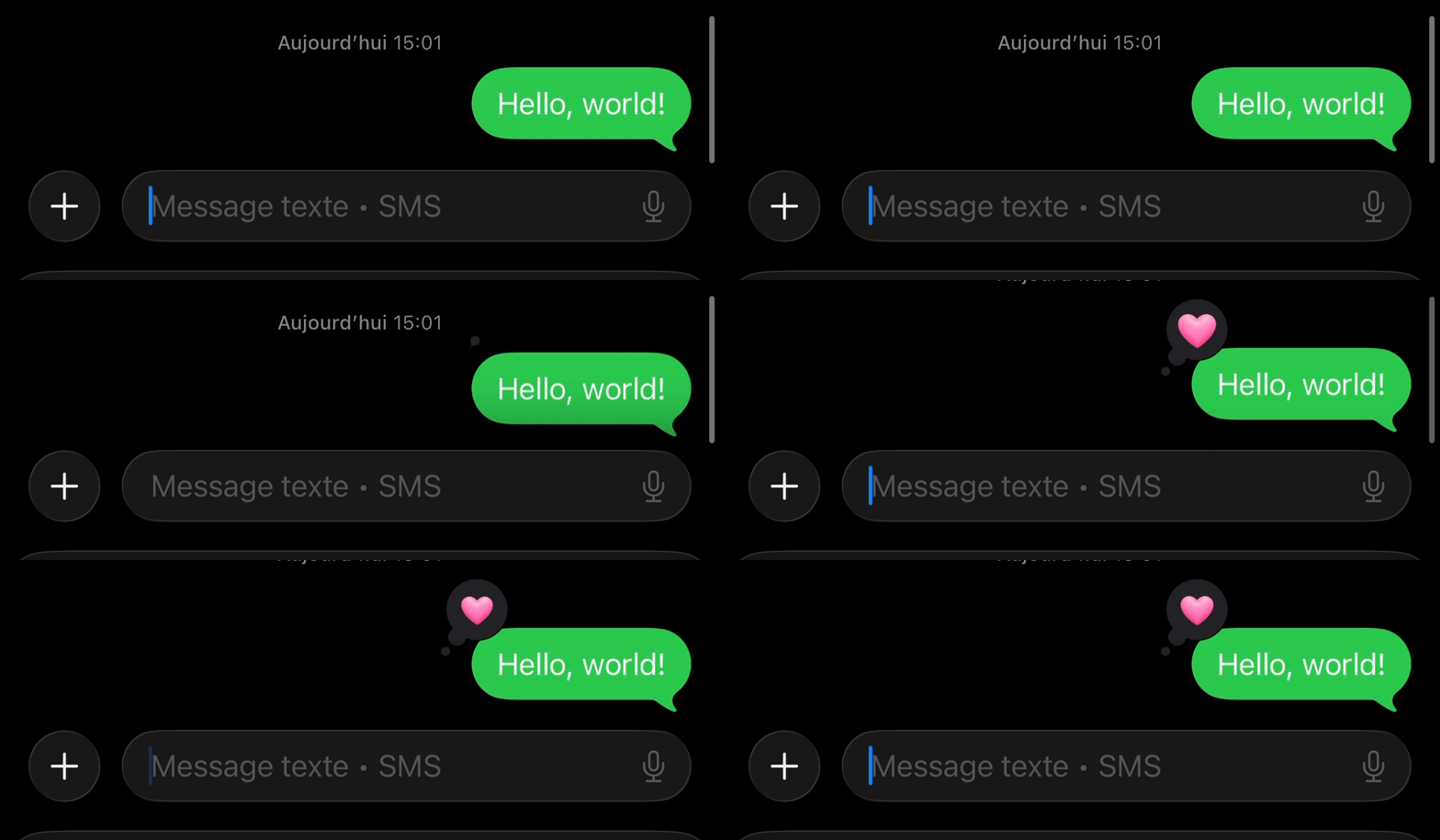
Contiguity delivers reactions by sending a special message to the recipient’s device. On older devices that do not support reaction messages, the recipient will instead receive a regular text in the format:
{Reaction} "{Message}" — for example, Loved "Hello, world!"

Authorizations
Bearer authentication header of the form Bearer <token>, where <token> is your auth token.
Body
Reaction type.
love, thumbsup, thumbsdown, haha, emphasized, questioned "love"
Add or remove the reaction.
add, remove "add"
Option A: ID of the message to react to (e.g. text_xxx). Contiguity auto-fills the required fields.
"text_abc123"
Option B: Recipient phone (E.164). Required when not using message_id.
"+1234567890"
Option B: Your number to send from (E.164). Optional if you provide a message_id.
"+15555555555"
Option B: Exact content of the message you are reacting to. Required when not using message_id.
"Hello there!"
Response
Send a reaction to a message via SMS! Use either message_id to react to a message, or provide message information manually.